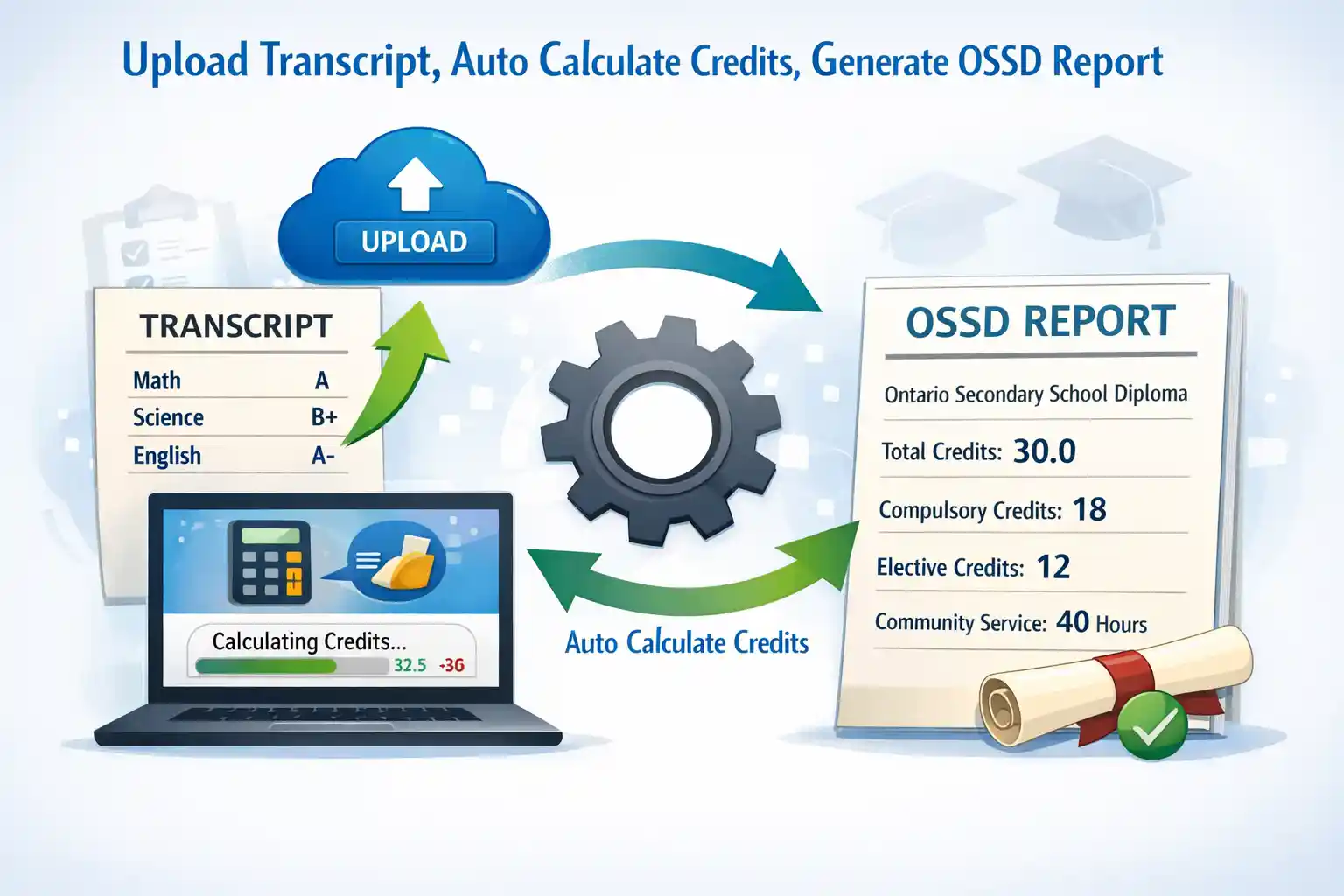
Transcript Conversion
Upload an Ontario Student Transcript PDF to generate OSSD analysis and Excel checklist. Use Credit Summary as a supplement when you need older completed courses.
Transcript PDF
Drop PDF here or click to browse
Ontario Student Transcript (.pdf)
Processing Steps
Upload PDF
Select transcript file
Extract Text (OpenAI)
OCR + structure extraction
Match Course Database
Map to 300+ Ontario courses
OSSD Analysis
Check graduation requirements
Generate Excel
Fill New OSSD Requirement tab
Credit Summary
Upload a student status sheet or credit summary PDF to backfill completed courses, transfer credits, and requirement flags before merging it into a transcript.
Credit Summary PDF
Drop PDF here or click to browse
Student Status Sheet / Credit Summary (.pdf)
How It Helps
This sheet captures older completed courses and diploma credit totals that may not appear on the transcript yet. Upload it after the transcript, then merge the completed courses into the loaded record.
Actions
Report Cards
Upload completed and interim report cards separately. These do not replace transcript conversion.
Previous School Report Card
Drop previous report card here or click to browse
Completed report card (.pdf)
Current Term Interim Report Card
Drop interim report card here or click to browse
Current term progress (.pdf)
Merge and Export
Generate an updated OSSD preview from report cards, or merge report cards into an uploaded transcript.
Previous Report Card Courses
| Course | Code | % | Cr |
|---|
Current Term Courses
| Course | Code | Teacher | Level | Status | Note |
|---|
Students
Saved student records
Loading...
Student
Course Database
300+ Ontario Secondary School courses
| Code | Title | Grade | Subject | Credit | OSSD Category |
|---|